Create your Stripe Connected Account

Learn how to successfully navigate the Stripe Connect onboarding process.
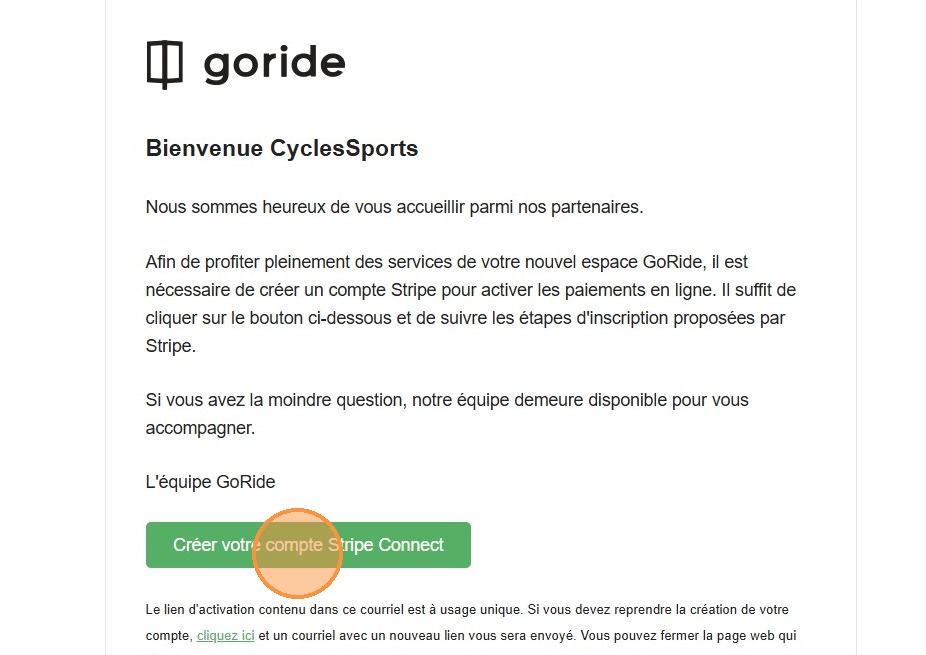
1. Click "Créer votre compte Stripe Connect" in the email you received after completing the registration process.
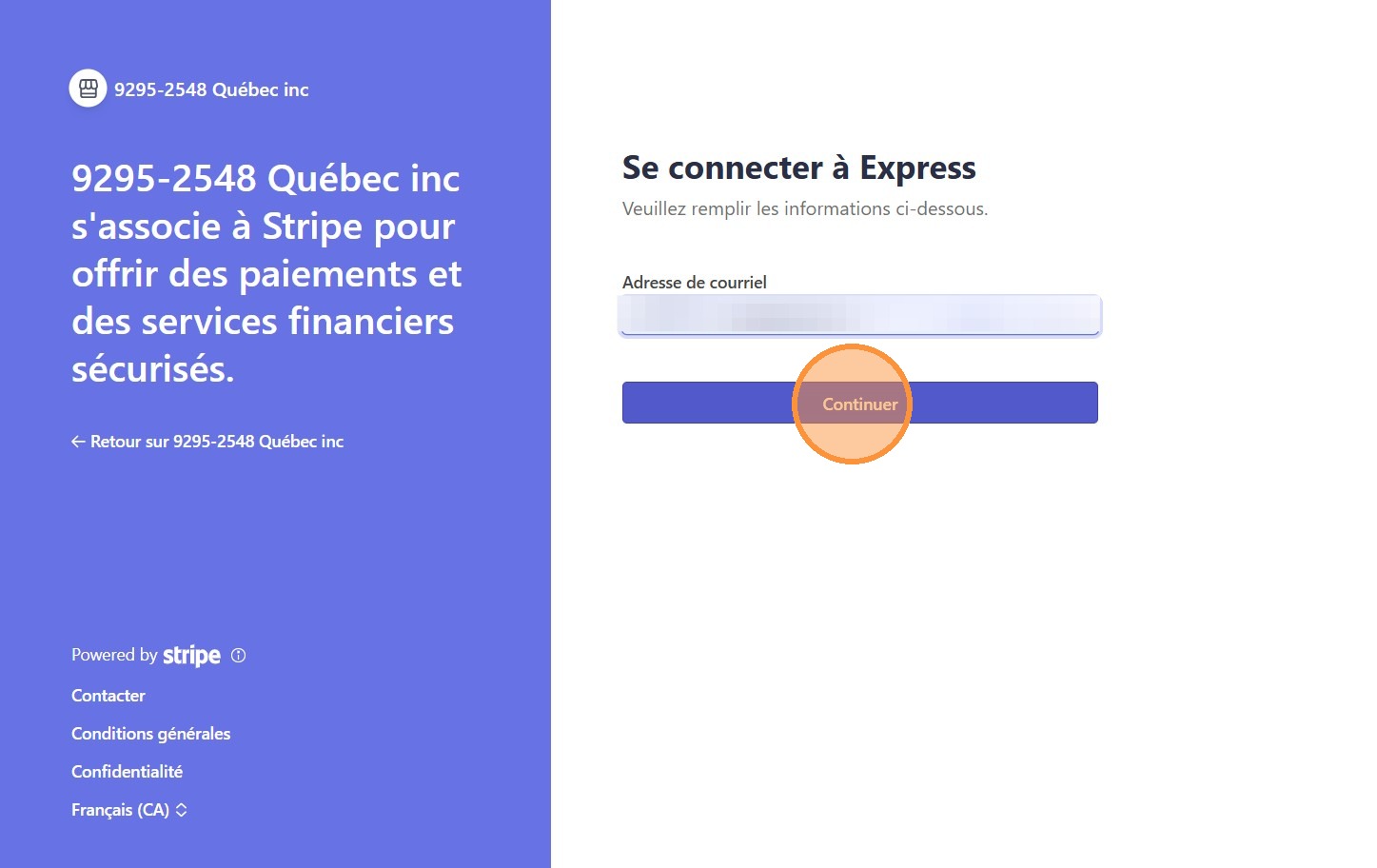
2. Add your email adress and click "Continuer". Complete the Stripe Account Creation process.
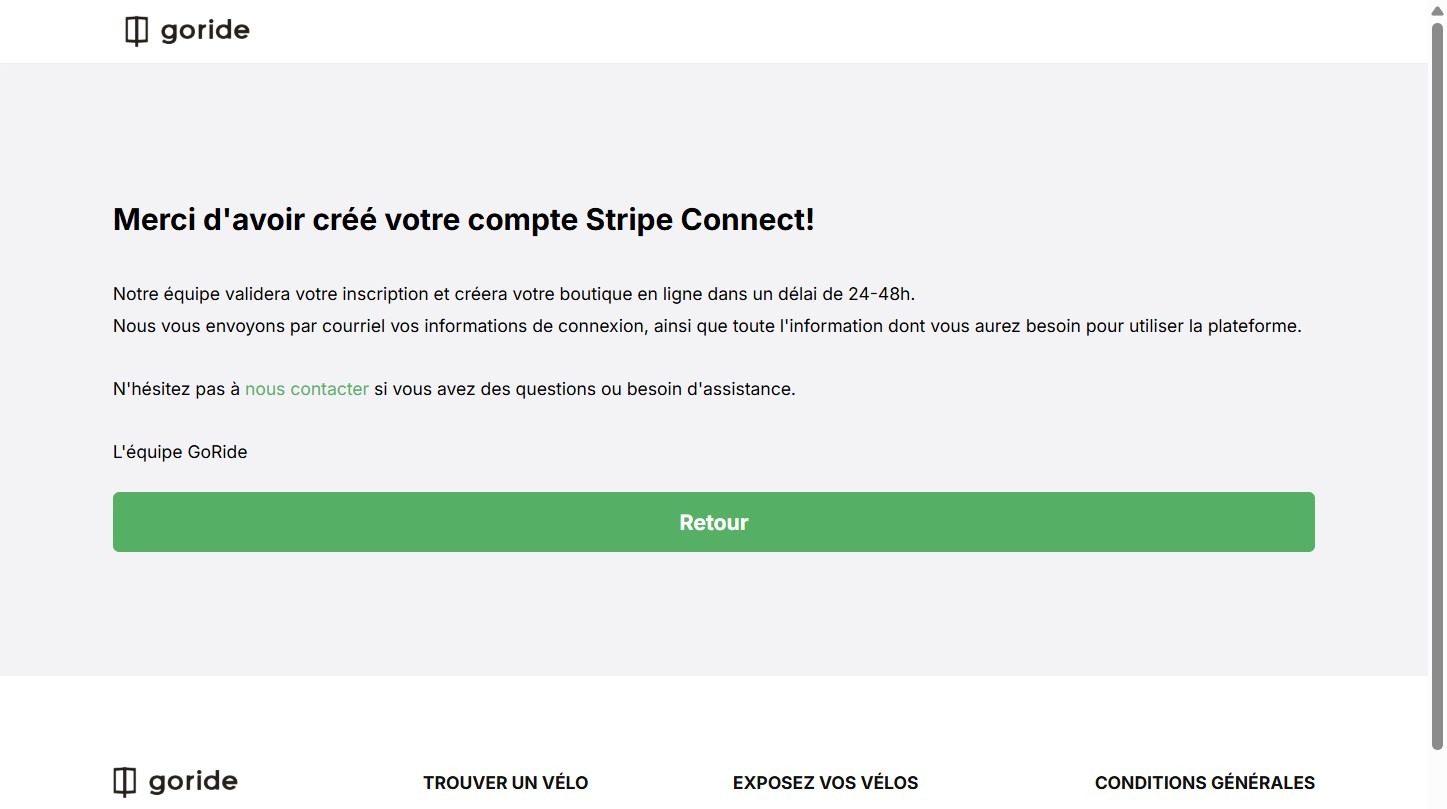
3. Once you are done, you will automatically be redirected to the registration confirmation page.
✅
Congratulations, your Stripe account is created!
Check your emails, you'll hear from us soon.
Check your emails, you'll hear from us soon.
💡
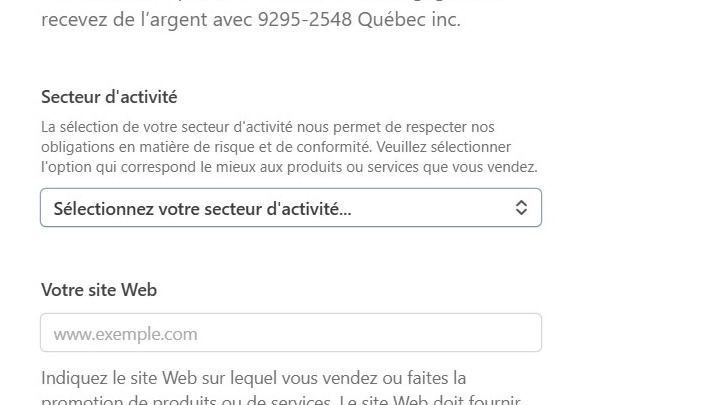
Tip #1: Secteur d'activité
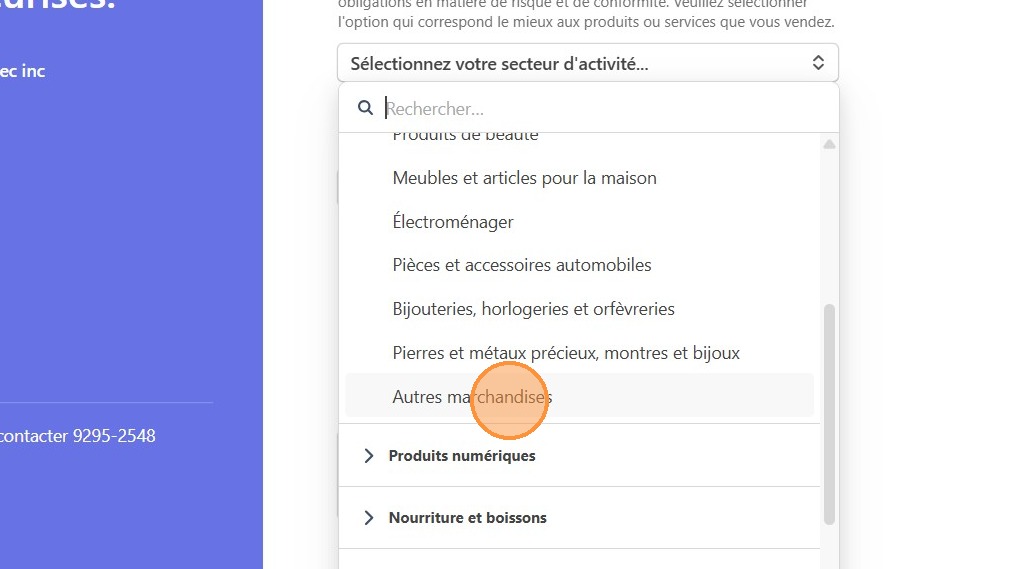
4. If you are unsure what to select under "Secteur d'activité", we recommend "Autres marchandises" under "Commerce de détail"
5. Click "Autres marchandises"
💡
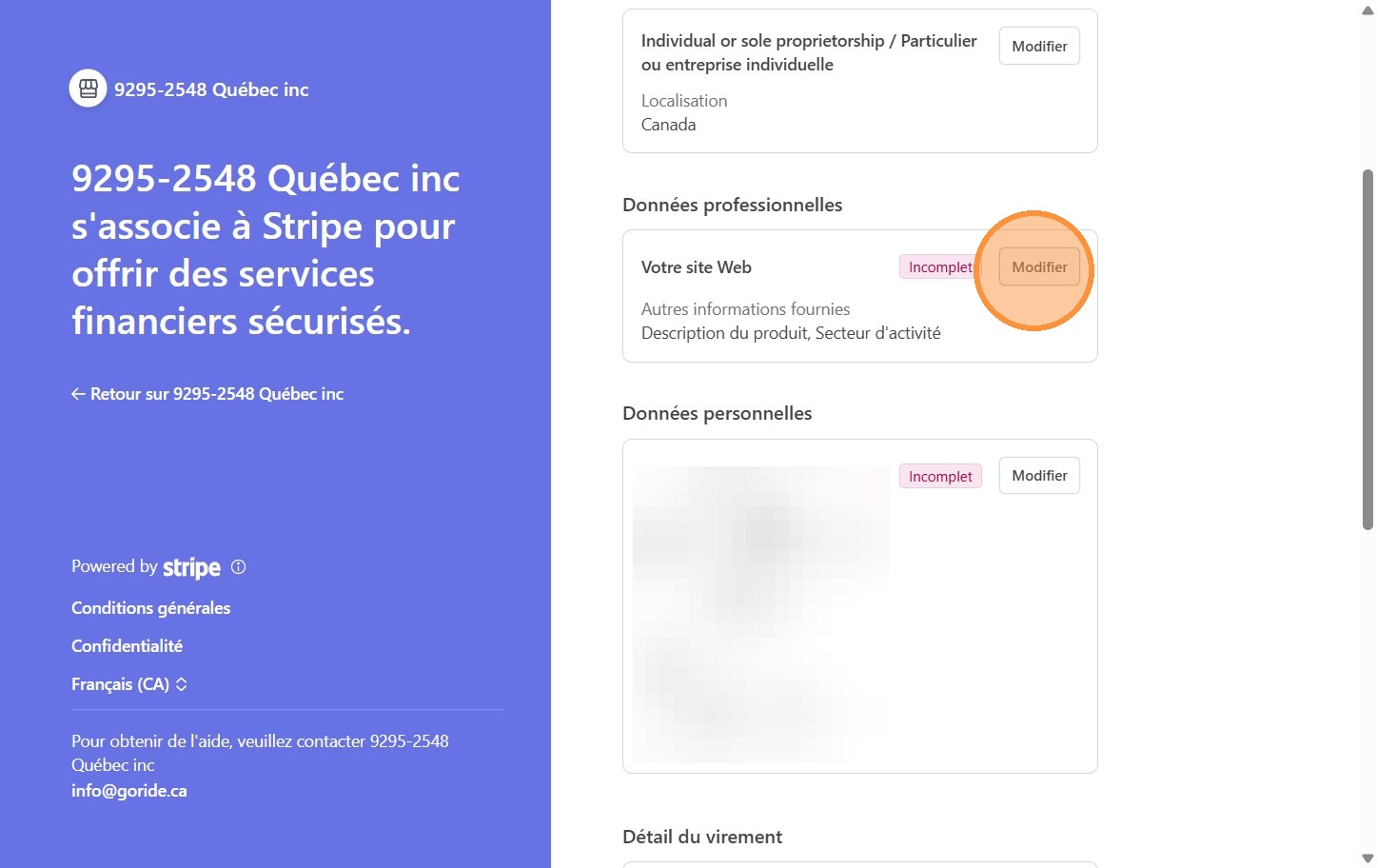
Tip #2: If you are an individual without a website
6. Click "Modifier"
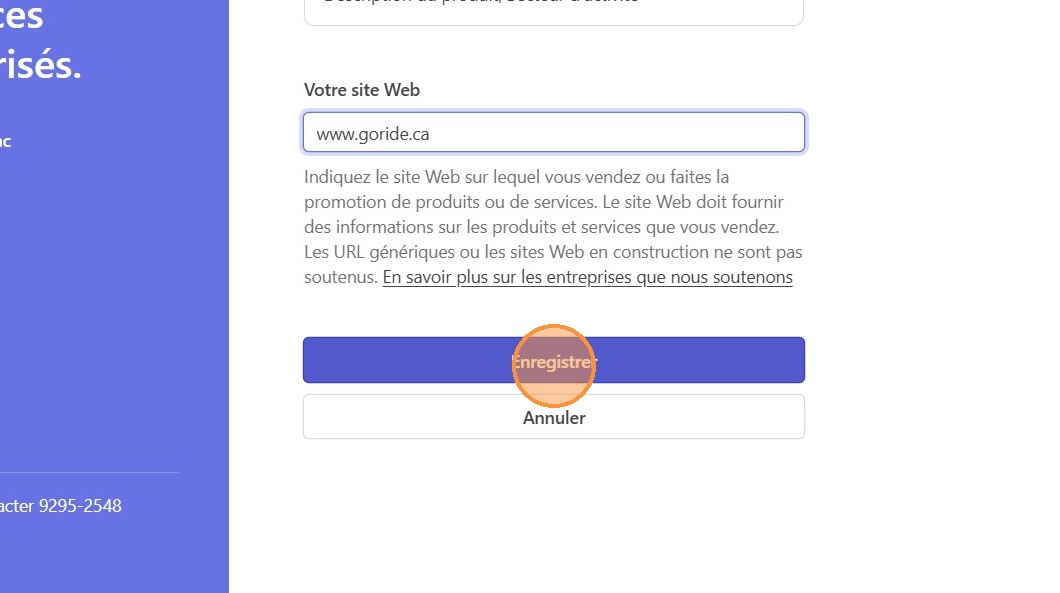
7. Type "www.goride.ca" and click "Enregistrer"
💡
Tip #3: If you are an indivudual and Stripe asks what is your role in the organization
8. Click "Modifier"
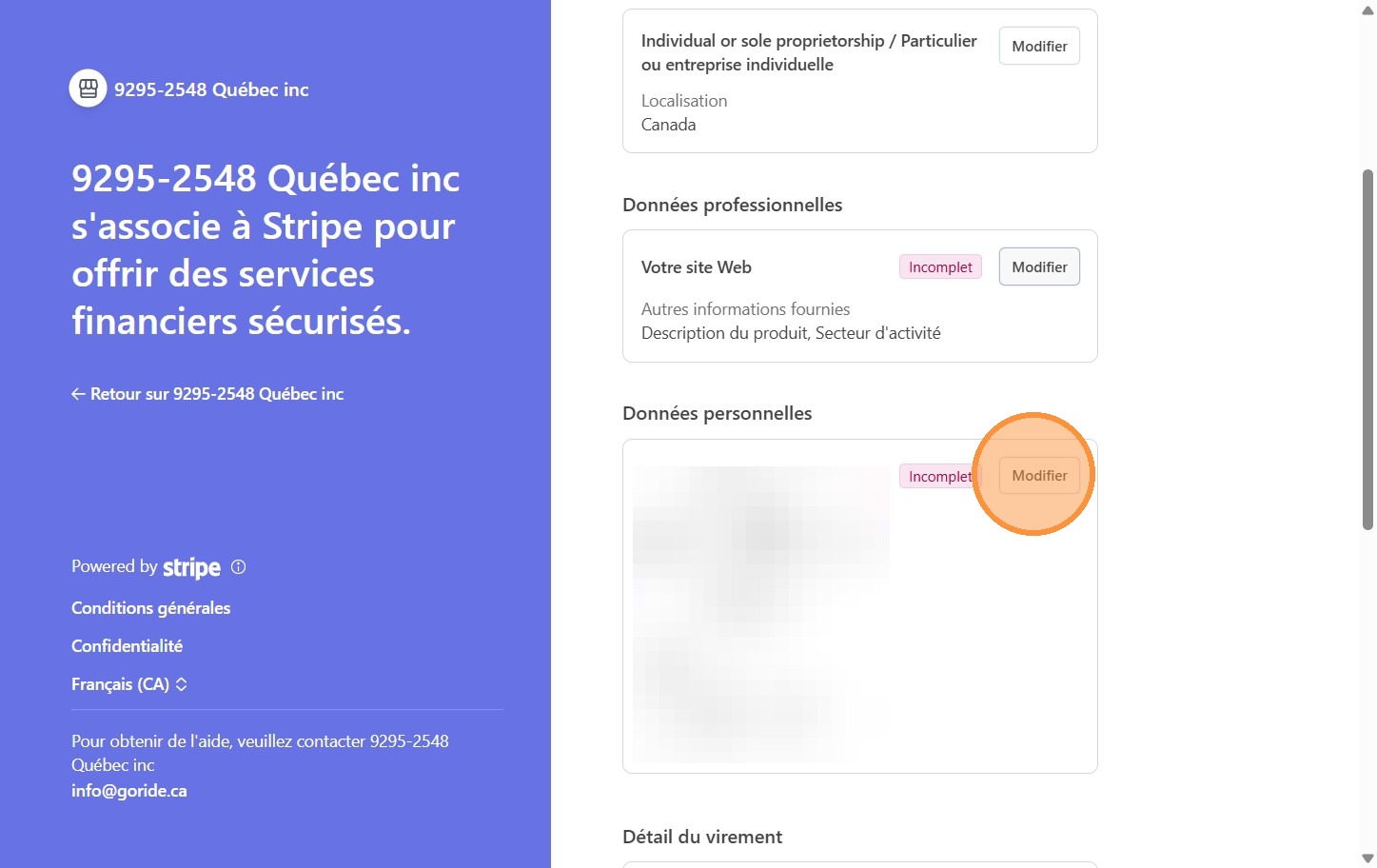
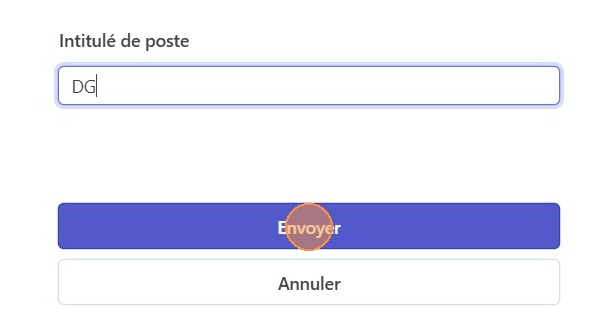
9. Type "DG" or "GM" (you are the boss!), and click "Envoyer"