Managing Your Inventory
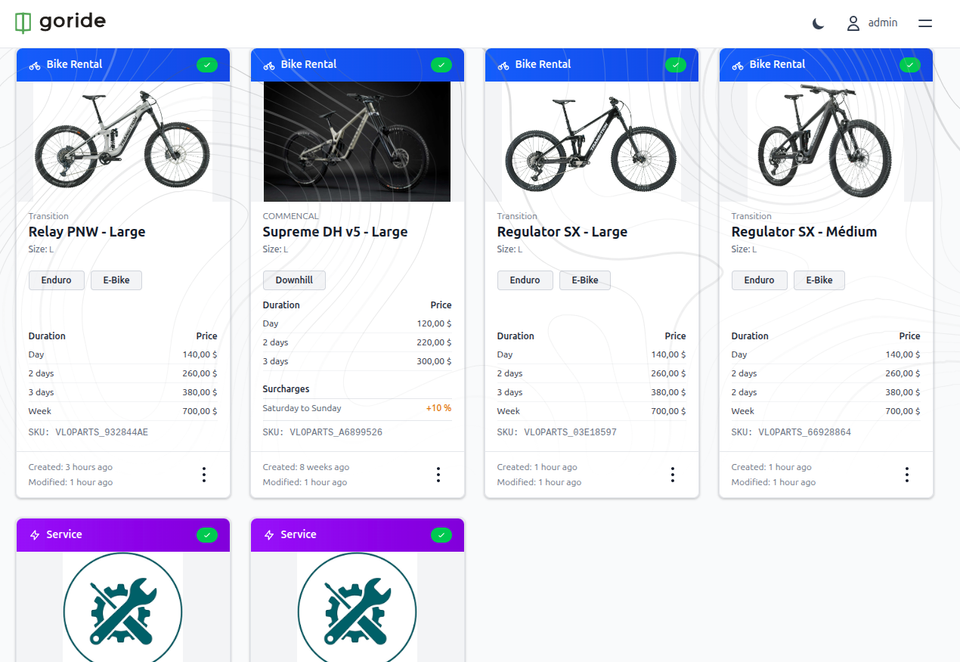
This guide provides a walkthrough for managing your bike rental inventory and services through the GoRide dashboard. Learn how to efficiently publish, unpublish, and modify your listed equipment to keep your inventory accurate for customers.
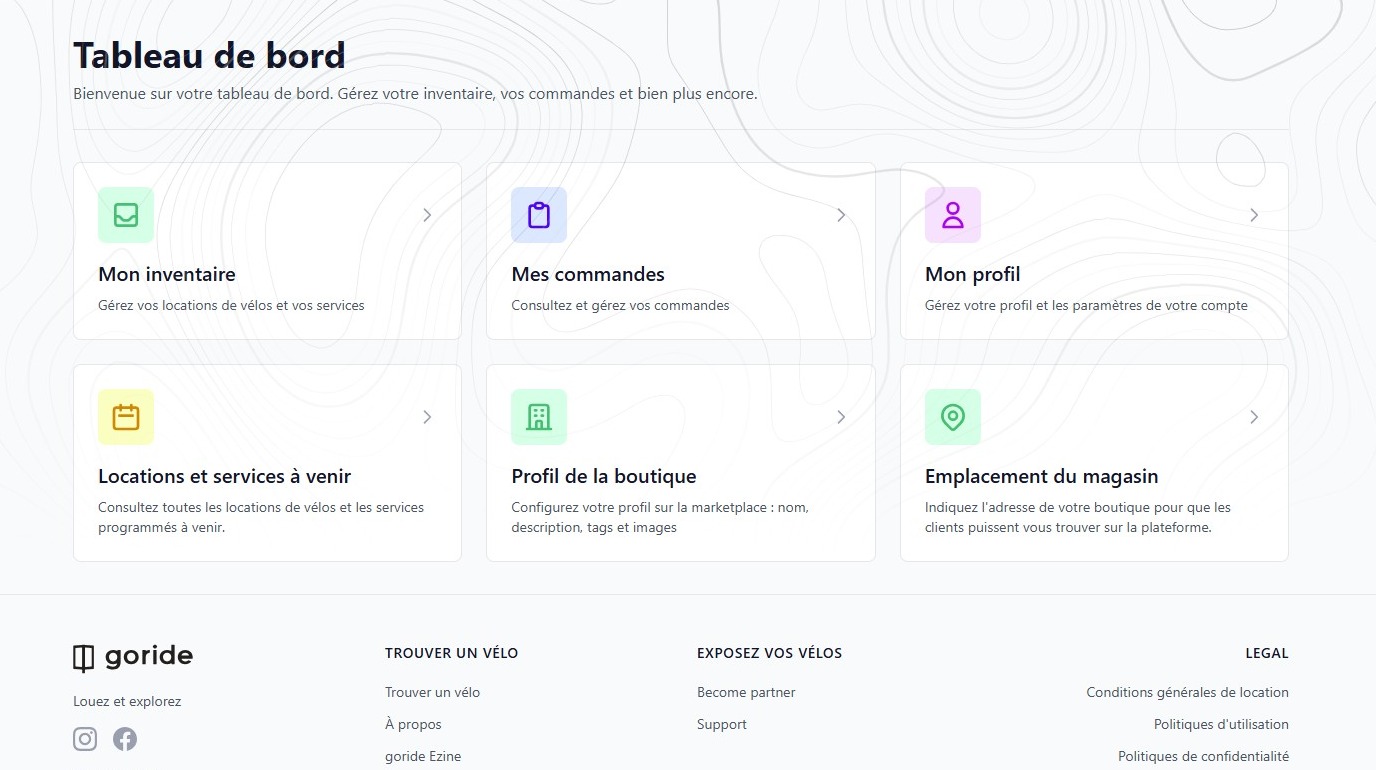
1. Start from your dashboard
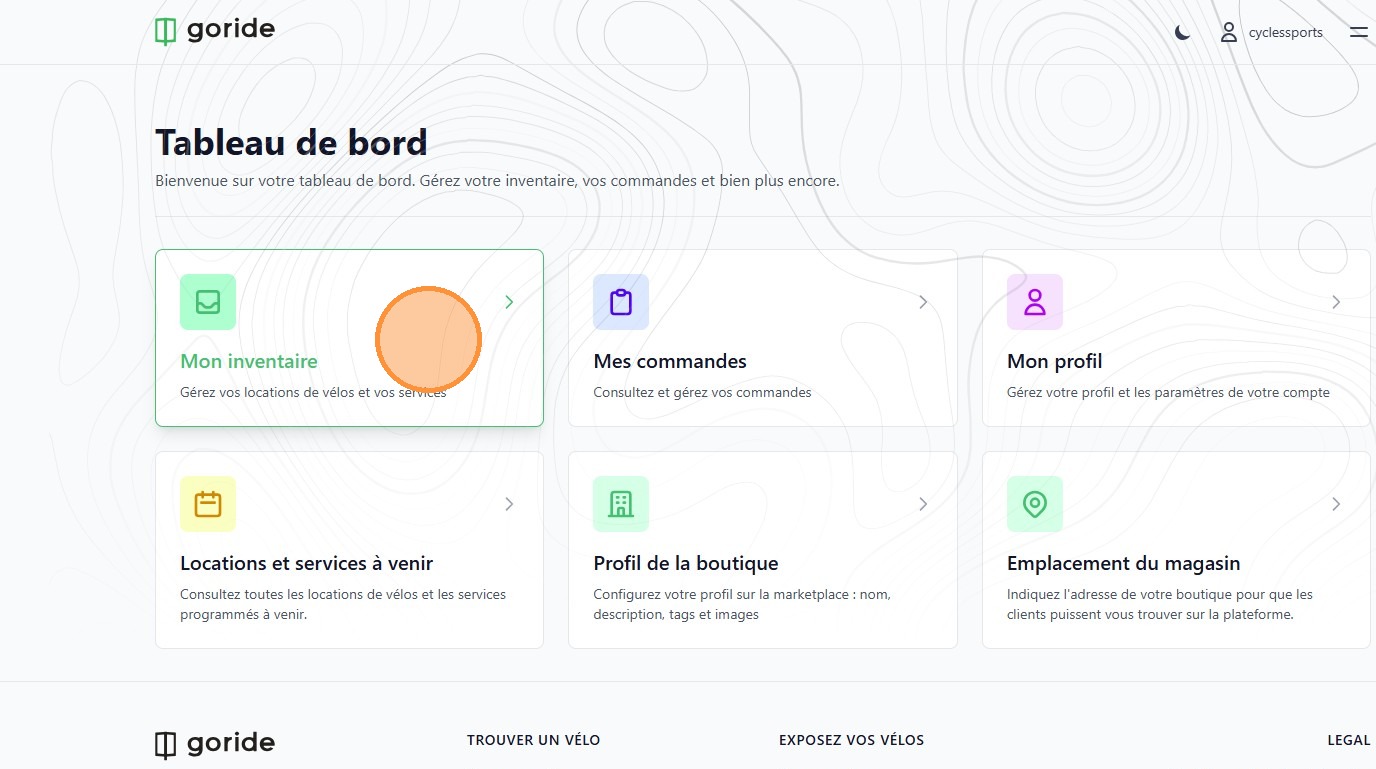
2. Click "Mon inventaire"
To make a product or service unavailable (Unpublish)
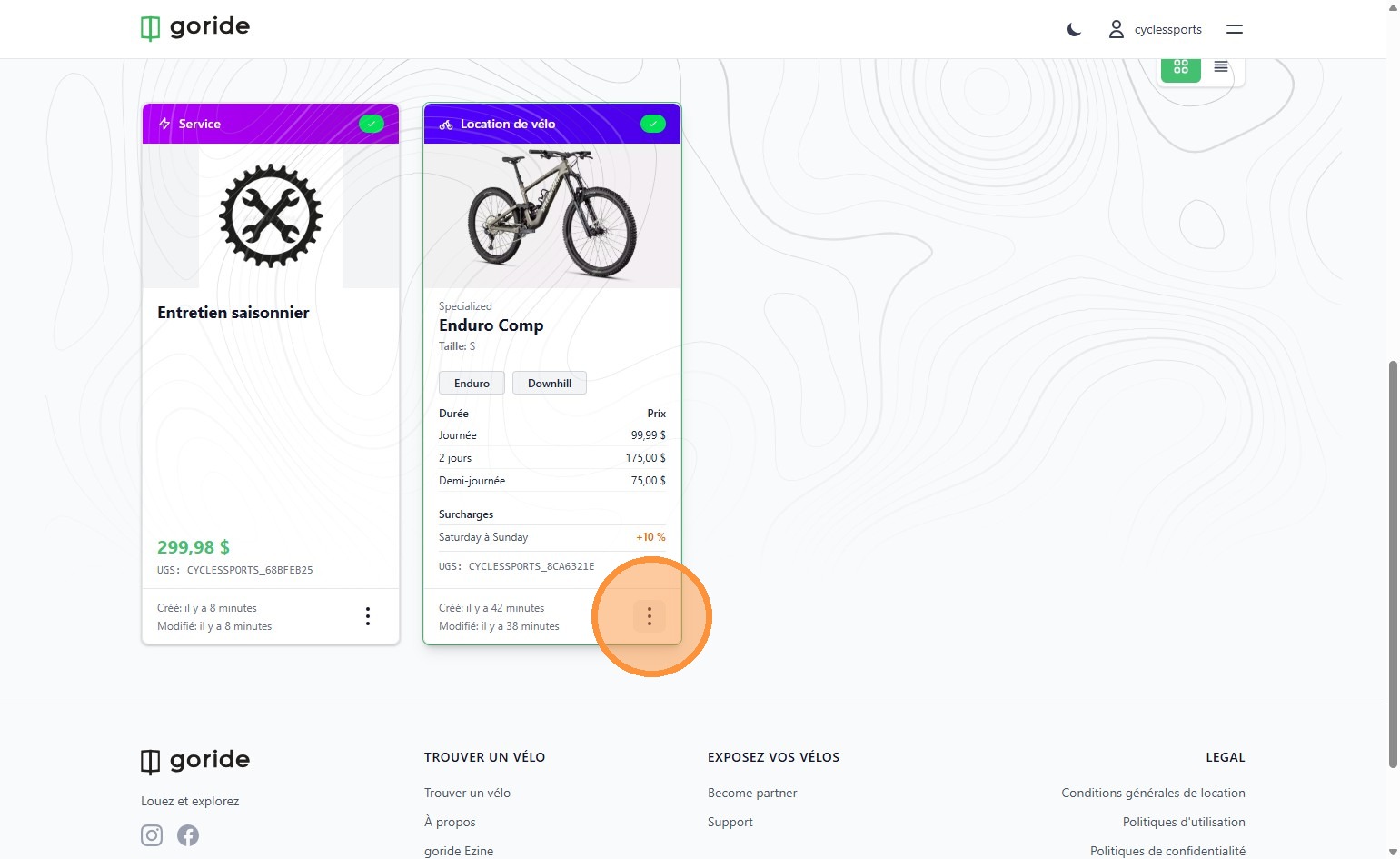
3. On either of your products or services, click the three dots to open the edit menu.
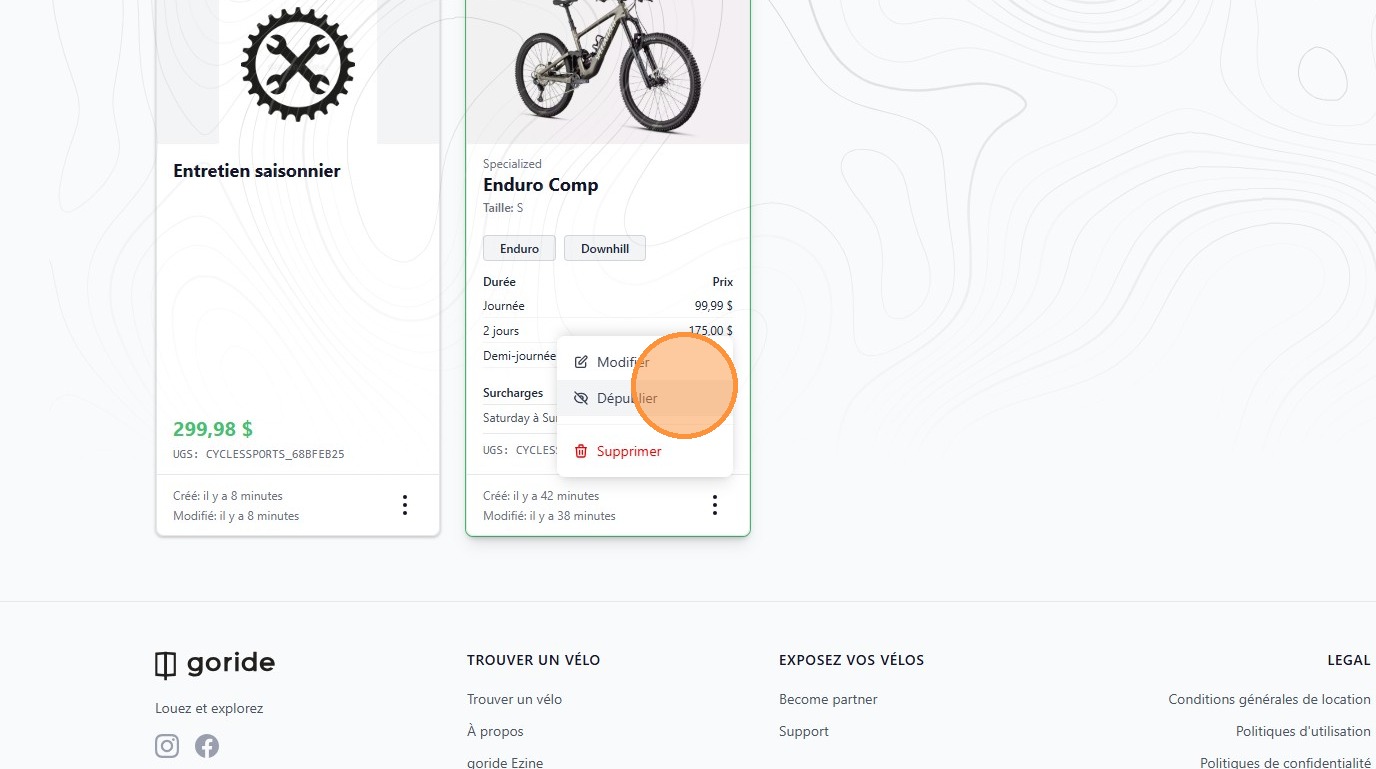
4. Click "Dépublier"
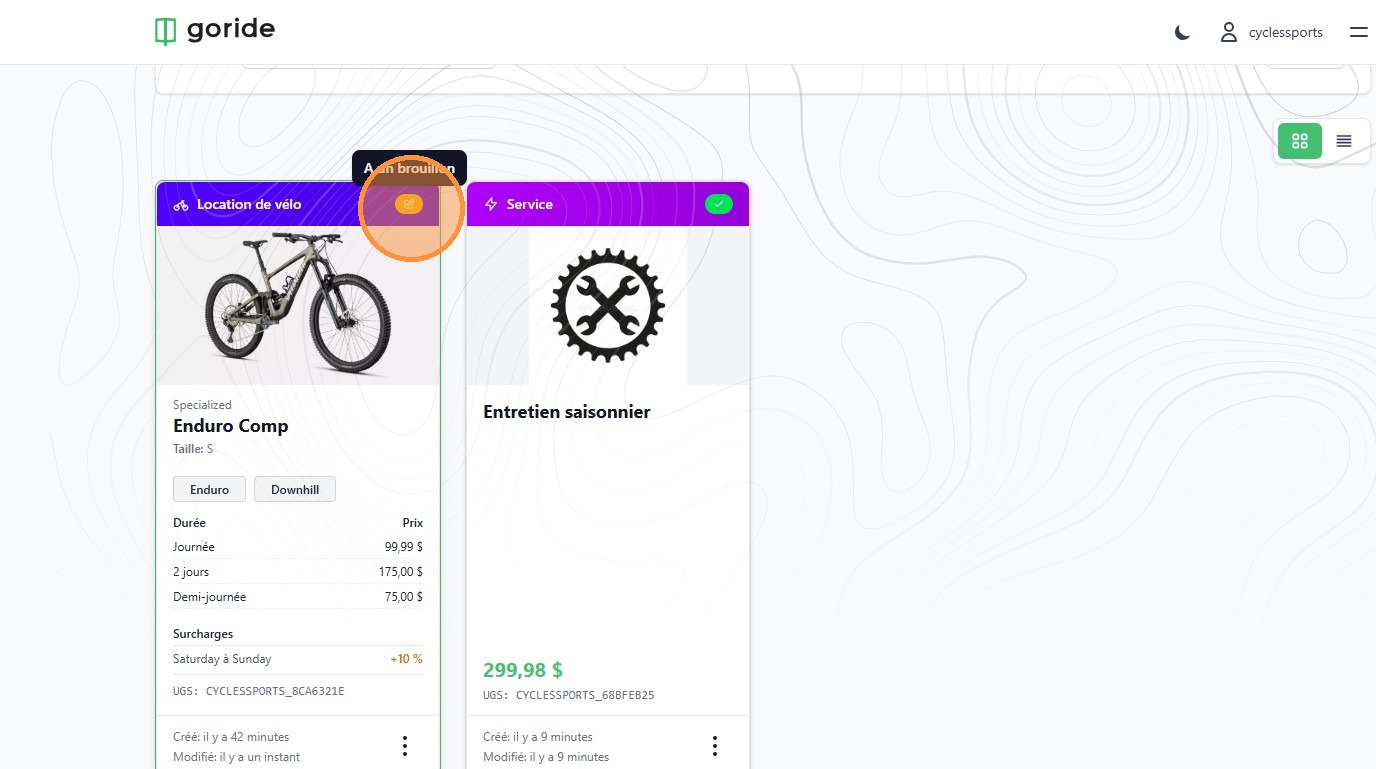
5. The color coded icon will change from green to yellow, indicating the product is unpublished.
To make a product or service available (Publish)
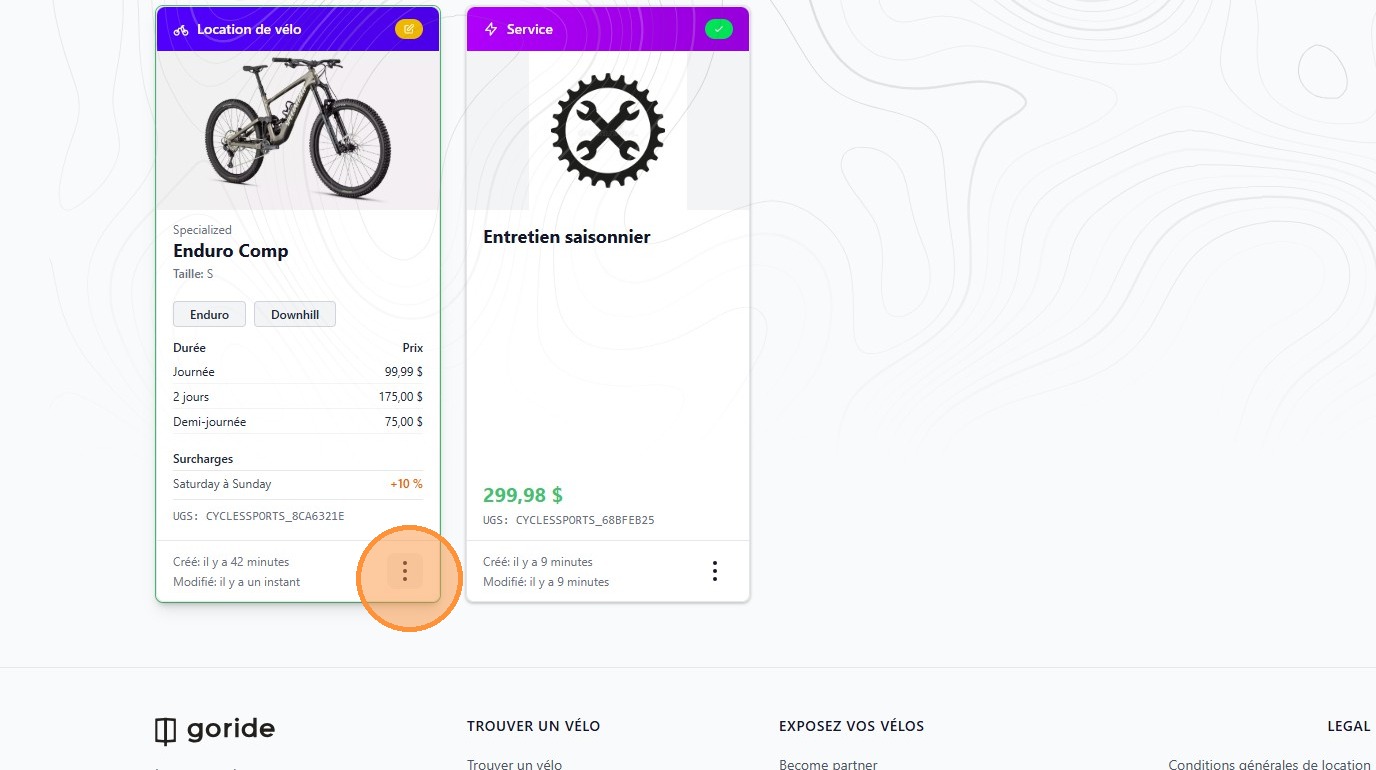
6. On either of your products or services, click the three dots to open the edit menu.
7. Click "Publier"
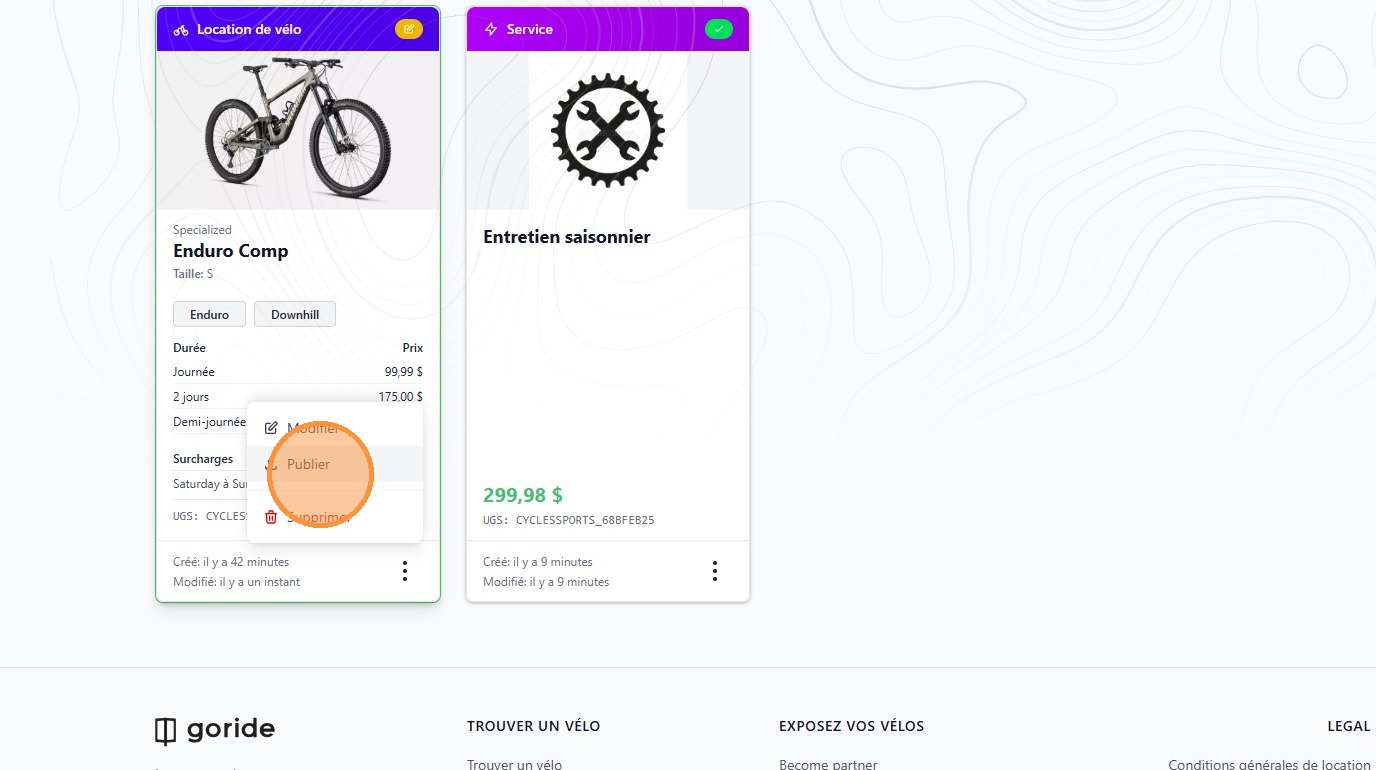
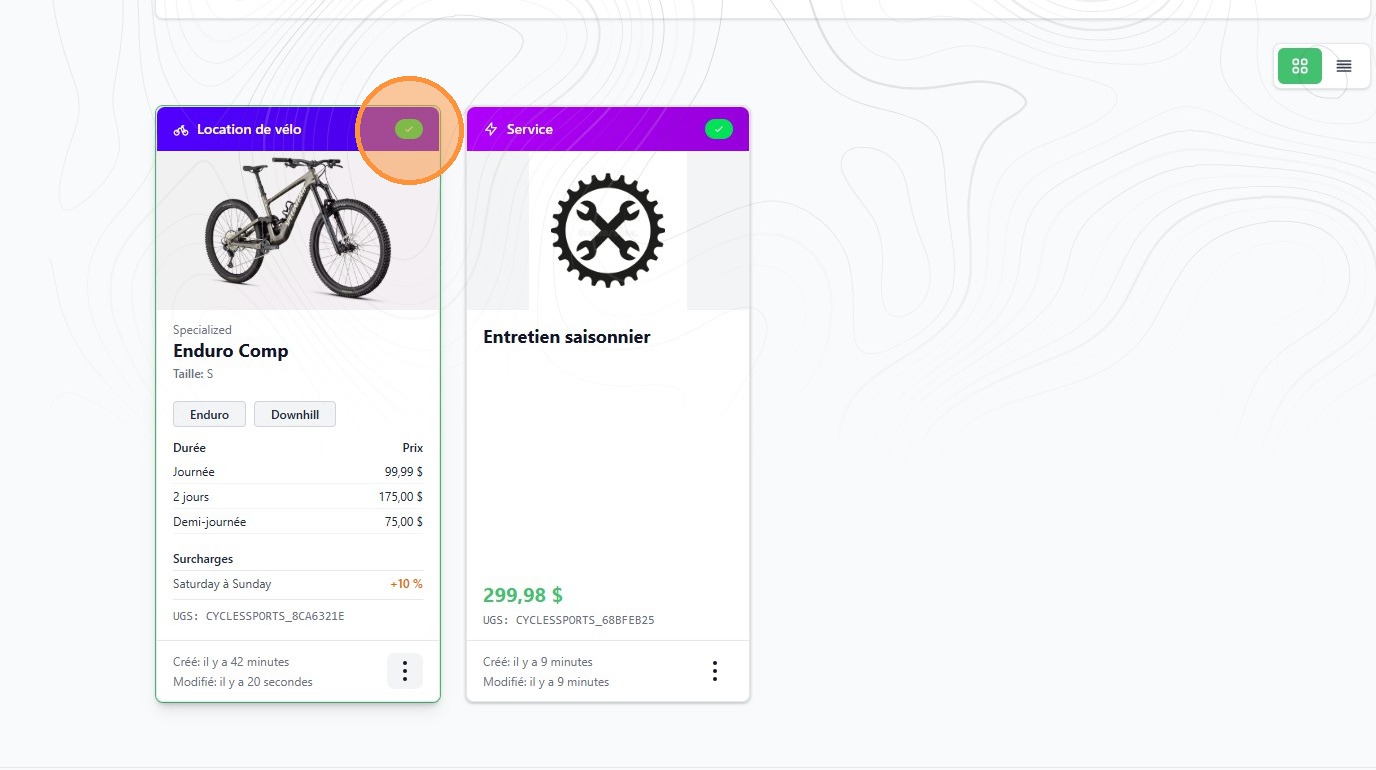
8. The color coded icon will change from yellow to green, indicating the product is published.
To edit a product or service
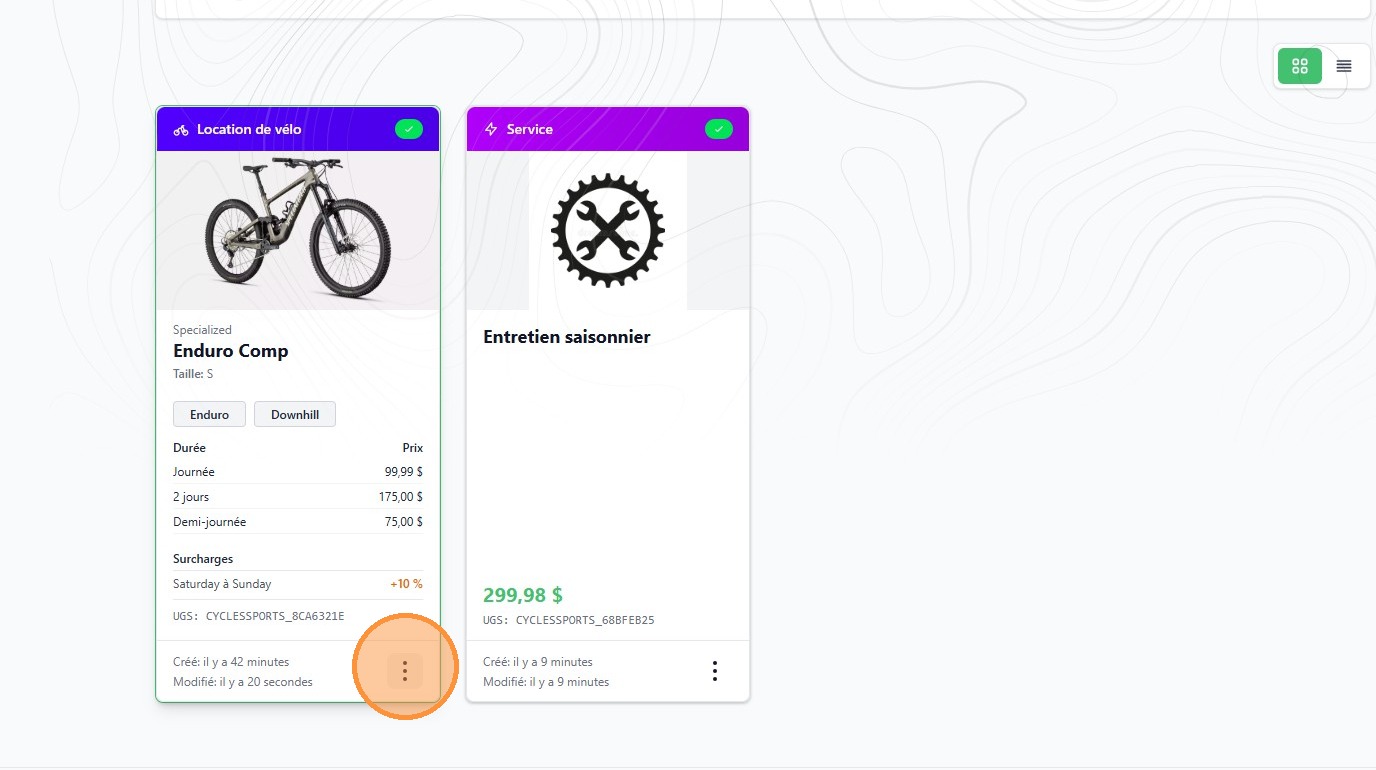
9. On either of your products or services, click the three dots to open the edit menu.
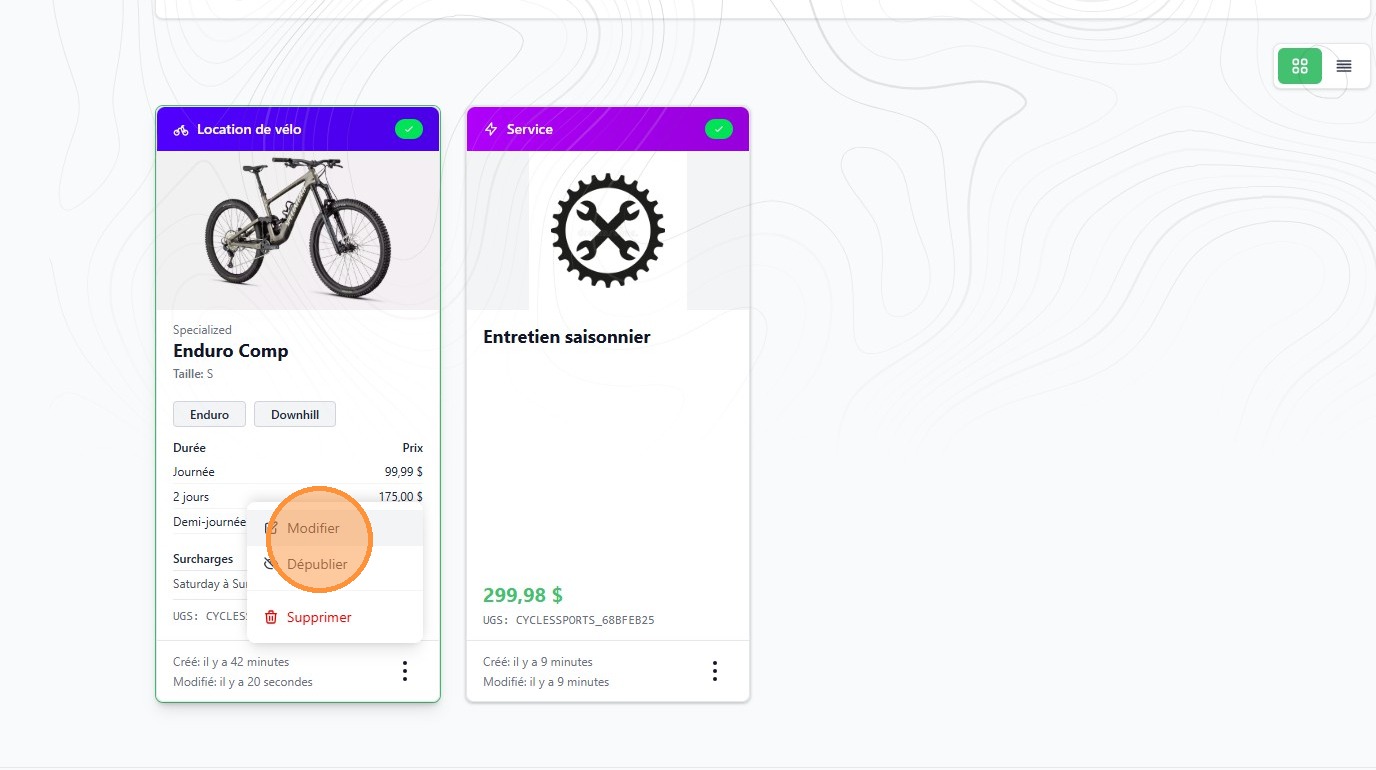
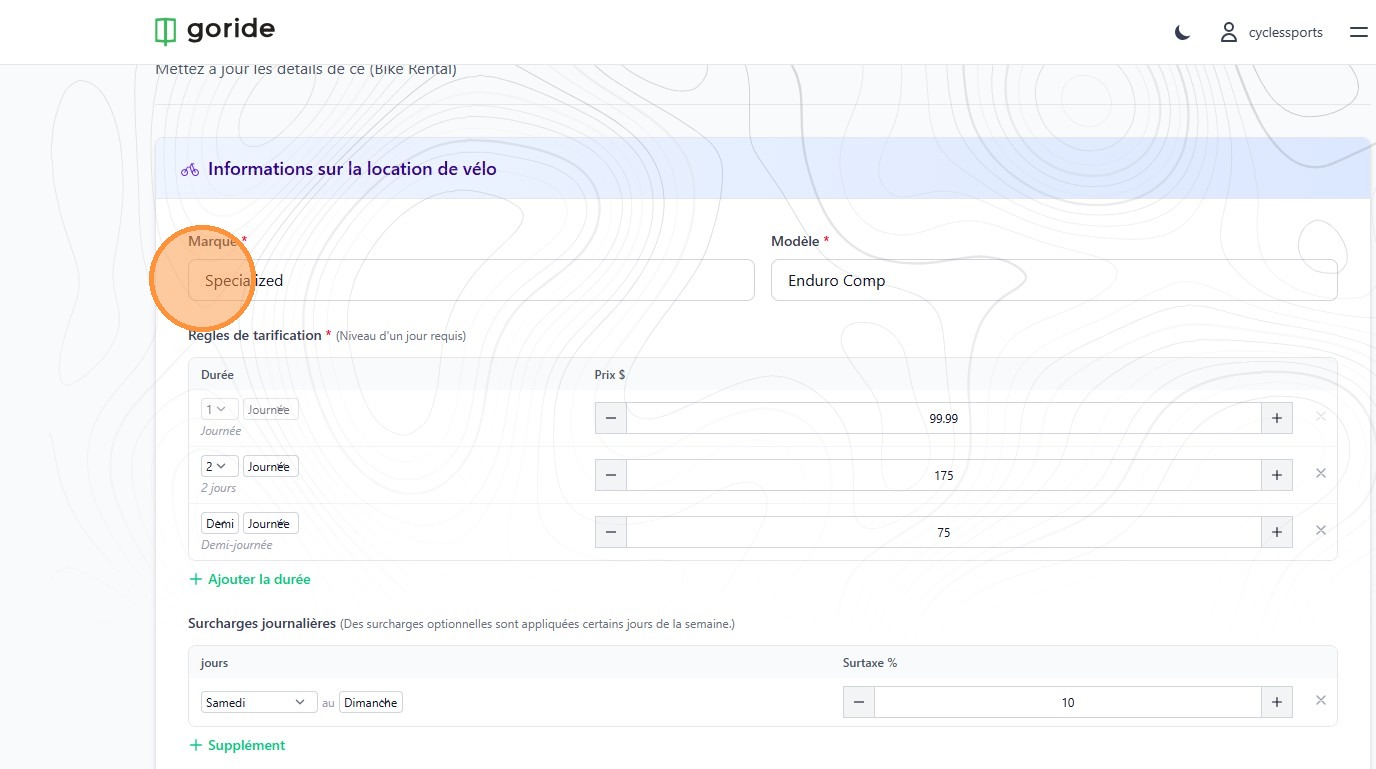
10. Click "Modifier"
11. Update the information you wish to change.
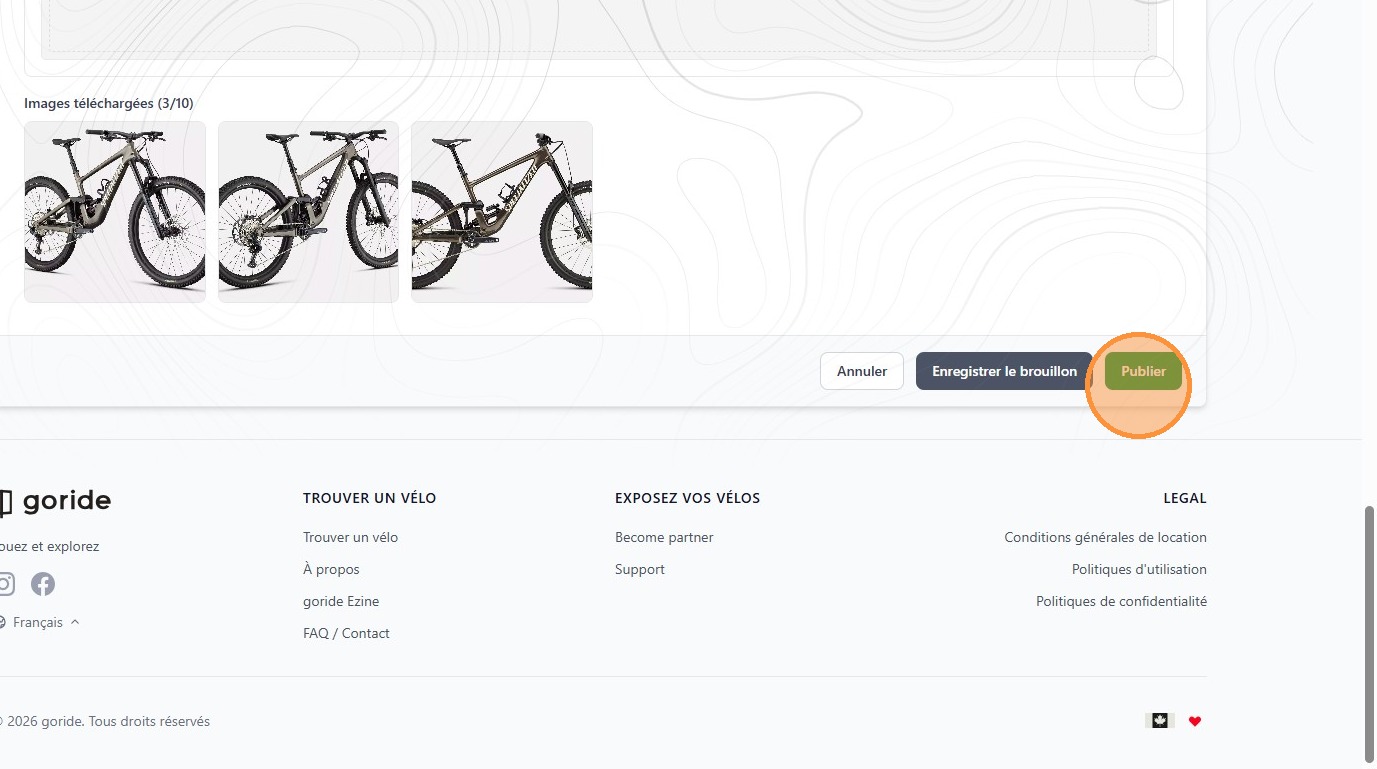
12. Click "Publier"